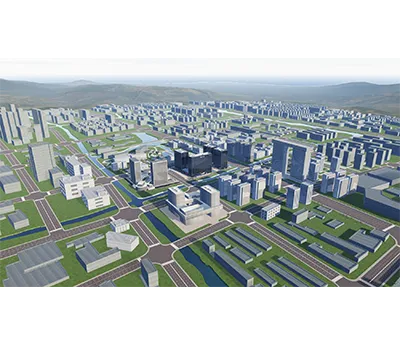
Digital twin development. Operational context. Connected to field data.
Digital Twin Development
Bring equipment, spaces and monitoring records into a navigable digital representation. Hitelecom scopes custom asset models, 2D or 3D views, telemetry mapping and operator workflows around your facilities and data systems. View uploaded monitoring data online through an agreed Hitelecom Cloud integration or customer platform, and place configured threshold alarms in their equipment context. Model detail, data connections and acceptance are defined for the project.
AssetsDefined digital contextAgree the asset hierarchy and model detail
DataMapped telemetryDefine sources, timestamps and data quality
ScopeProject-based deliveryConfirm functions, hosting and handover
Engineering focus
From model views. To useful operations.
Build the digital context operators need: which asset is reporting, where it belongs, what changed, and which records support the next action. Start with a representative asset set before expanding the model.
Asset identities and relationships
Structure sites, buildings, systems, equipment and measurement points with stable identifiers. Record relationships such as located-in, supplies or monitored-by so a reading appears against the correct physical asset.
Purposeful 2D and 3D views
Select floor plans, equipment diagrams or a 3D model according to the task. Reuse licensed CAD/BIM/model inputs after reviewing geometry, conversion effort and navigation on the intended devices.
Measurements with provenance
Show the measured value, unit, timestamp and source identity together. Distinguish current, delayed, missing and invalid records instead of colouring an unreported asset as healthy.
Asset-level threshold context
Display received alarms beside the relevant room, component or equipment. Define limits, event priority, acknowledgement and notification integration around the agreed monitoring workflow.
Historical investigation
Scope time-range selection, synchronized trends and links between observations and recorded events. Specify retention and sampling semantics so operators understand gaps, aggregation and historical state.
Inspection and maintenance links
Connect selected assets to drawings, inspection photographs and maintenance records through agreed identifiers and permissions. Keep the source system responsible for its authoritative work-order record.
Role-based operating views
Define the sites, asset details and actions each user may access. Separate operator investigation, management summaries and engineering administration without exposing unrelated facility records.
Versioned integration and handover
Document model versions, point mappings, API contracts and deployment configuration. Agree source-code/model rights, third-party licences and maintenance responsibilities in the statement of work.
Project planning
Define the model.
Then define its use.
A useful digital twin brief separates the visual scene, the measured data and any calculation or simulation.
01↗
Identify the operating questions
List the decisions, users and information needed. Distinguish an operational visualisation from simulation, forecasting or control.
Assess model formats, geometry, permissions and telemetry availability. Define missing-data and stale-data behaviour.
Project inputs
Model samples · Source API · Identifiers · Data quality
03↗
Set acceptance conditions
Agree representative datasets, interaction behaviour, supported devices and review scenarios before development.
Project inputs
Test data · Performance targets · User review · Handover
Applications
Physical assets.
Useful digital context.
Explore specific workflows across twelve operating environments. Each example identifies project inputs, the proposed application output and an acceptance check. These are development scopes, not claims of completed customer deployments.
12 application areas /36 project tasks
Illustrative environments, not evidence of customer installations. Project suitability is assessed against the agreed requirements.
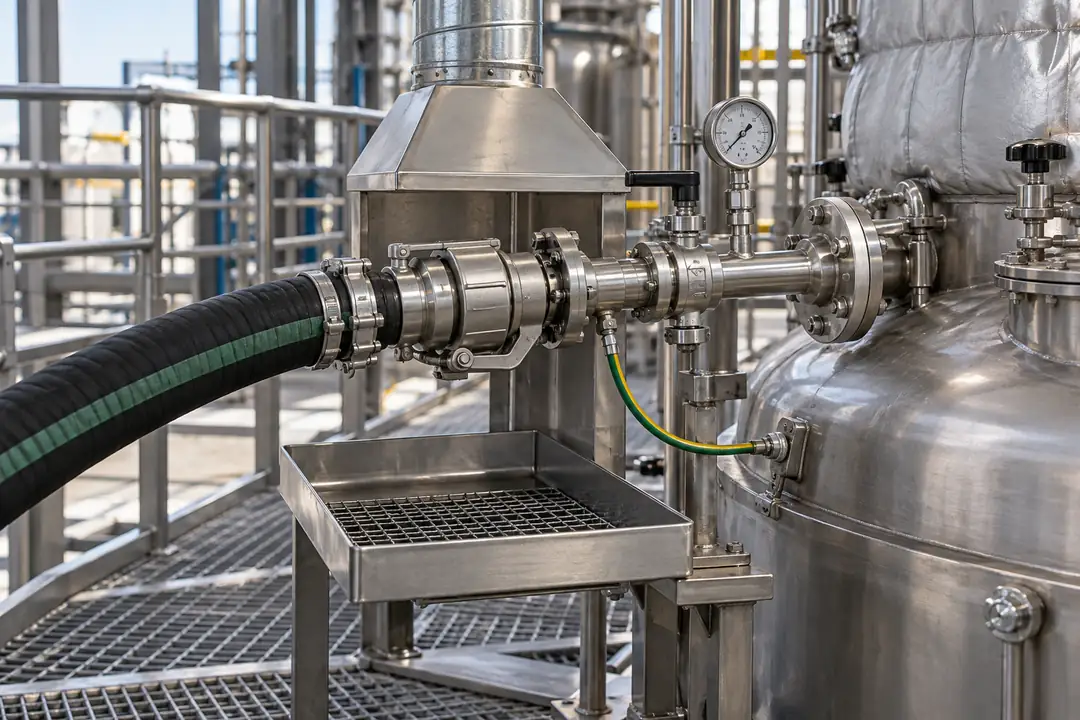
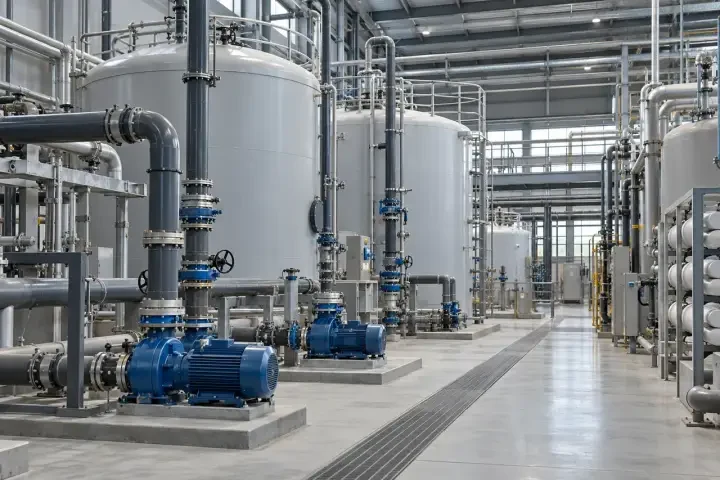
01Manufacturing plants and process equipment3 +
Representative application environment. Project scope and suitability are defined for the installation.
Organise production assets by line, cell and utility system so operators can investigate conditions without losing equipment context.
Production-line condition view
+
Representative application environment. Project scope and suitability are defined for the installation.
Navigate from a production line to the equipment and measurement points associated with an operating exception.
Required inputs
Line hierarchy, equipment tags and sample sensor records.
Scope & outputs
Line-to-equipment drill-down with timestamped readings.
Acceptance checks
A selected reading resolves to the agreed equipment tag.
Engineering considerations
Equipment state and maintenance state need separate definitions.
These are items to define in the statement of work, not a fixed product specification.
Project scope.
Written before build.
Service type
Custom software development; functions agreed per project
Visual scope
2D, 3D or combined presentation after model and workflow review
Model inputs
Agreed formats, ownership, reuse rights and conversion scope
Data integration
Named source systems, interfaces, identifiers and data mapping
User access
Roles, authentication and permissions defined in the project scope
Hosting
Customer or agreed hosting environment; operating responsibilities specified
Verification
Representative data and documented acceptance scenarios
Deliverables
Application build, configuration and documentation as contracted
Ownership and licensing
Source code, models, third-party licences and reuse rights agreed in writing
Change control
Scope, schedule, support and future changes agreed commercially
Integration & handover
From agreed scope.
To documented handover.
Define the deliverables and operating responsibilities together.
01
Review and prototype
Review representative models and data with the intended users before committing to the full visual scope.
02
Implement and verify
Develop the agreed interfaces and views, then test them against the documented acceptance scenarios.
03
Handover and support
Deliver the contracted build and documentation. Specify deployment, source-code rights, maintenance and licence responsibilities.
FAQ
Answers for your project.
Resolve the technical scope, interfaces and acceptance conditions before committing to a deployment.
What will the first project deliver?+
A defined asset structure, selected 2D or 3D views, mapped data connections and agreed operator interactions. The statement of work identifies the model detail, interfaces, test scenarios and handover items for the initial asset set.
Is this a visualization project or a physical simulation?+
This service starts with connected asset representation and operational visualization. Physical simulation, state estimation, forecasting or diagnostic algorithms require separate models, suitable inputs and explicit validation.
Do we need a complete 3D model before starting?+
No. A project can begin with licensed floor plans, equipment diagrams or a limited asset model. The appropriate detail follows the operating task; a complex model is useful only when its additional context serves that task.
Can existing BIM or CAD files be reused?+
They can be reviewed for ownership, permitted reuse, format, geometry detail and conversion effort. The project should retain a mapping between model elements and operational asset identifiers after any conversion.
Can Hitelecom sensor data appear in the model?+
An agreed Hitelecom Cloud or other receiving-system integration can provide uploaded monitoring records and configured threshold events. The scope defines available channels, identity mapping, timestamps, data quality and refresh behavior.
Can customer SCADA, BMS or maintenance systems be connected?+
The interfaces can be assessed using sample APIs or data extracts and the customer’s access requirements. Protocol support, authentication, read/write boundaries and the responsible source system are defined per integration.
How are delayed or missing measurements shown?+
The data contract defines source timestamps, quality flags and stale-data rules. The user interface should display these states explicitly rather than treating a missing update as a normal or safe condition.
Are threshold alarms generated inside the digital twin?+
They may come from an existing monitoring platform or a separately scoped rules service. The project defines where thresholds are evaluated, how events reach the view and how notification or acknowledgement is handled.
Can the application control equipment?+
Control is not part of the visualization scope by default. Any command path needs an explicit functional design, permissions, interlocks, operational responsibility and verification appropriate to the equipment.
How is browser performance accepted?+
Agree the representative model, asset count, data profile, target devices and interactions before development. Test those scenarios with the proposed deployment architecture instead of making a universal performance promise.
Who receives source code, models and deployment materials?+
Source delivery, model ownership, reuse rights and deployment documentation are contractual items. Third-party models, libraries and services retain their licence terms; these should be identified before handover.
Why is there no product datasheet or fixed project price?+
This is a custom software service. A statement of work, interface schedule, deliverables list and acceptance plan define the actual project; cost and timing follow review of that scope.
Discuss your project
Define your requirements. Build the right scope.
Share the operational questions, model samples and available data interfaces. We can assess a suitable development scope and the information needed for a proposal.